Everything a seating chart needs, nothing it doesn't
Most seating chart tools are either a blank design canvas (you type every name by hand) or a spreadsheet with no picture of the room. This one is both a planner and a print shop:
- A real floor plan. Round, oval, square, rectangular and long banquet tables, a head table that seats on one side, plus the dance floor, stage, bar, DJ, cake table and entrance. Drag, rotate and resize until it matches your venue.
- Guests that know who they came with. Households, couples and plus-ones stay together. Meal choices and dietary notes show on every seat and every table.
- Auto-arrange with rules. Add “keep apart” and “seat together” rules, and the planner seats everyone, putting people from the same group together. Locked guests stay put.
- Live warnings. Over-full tables, broken rules and unseated guests are flagged as you go, so nothing slips through the night before.
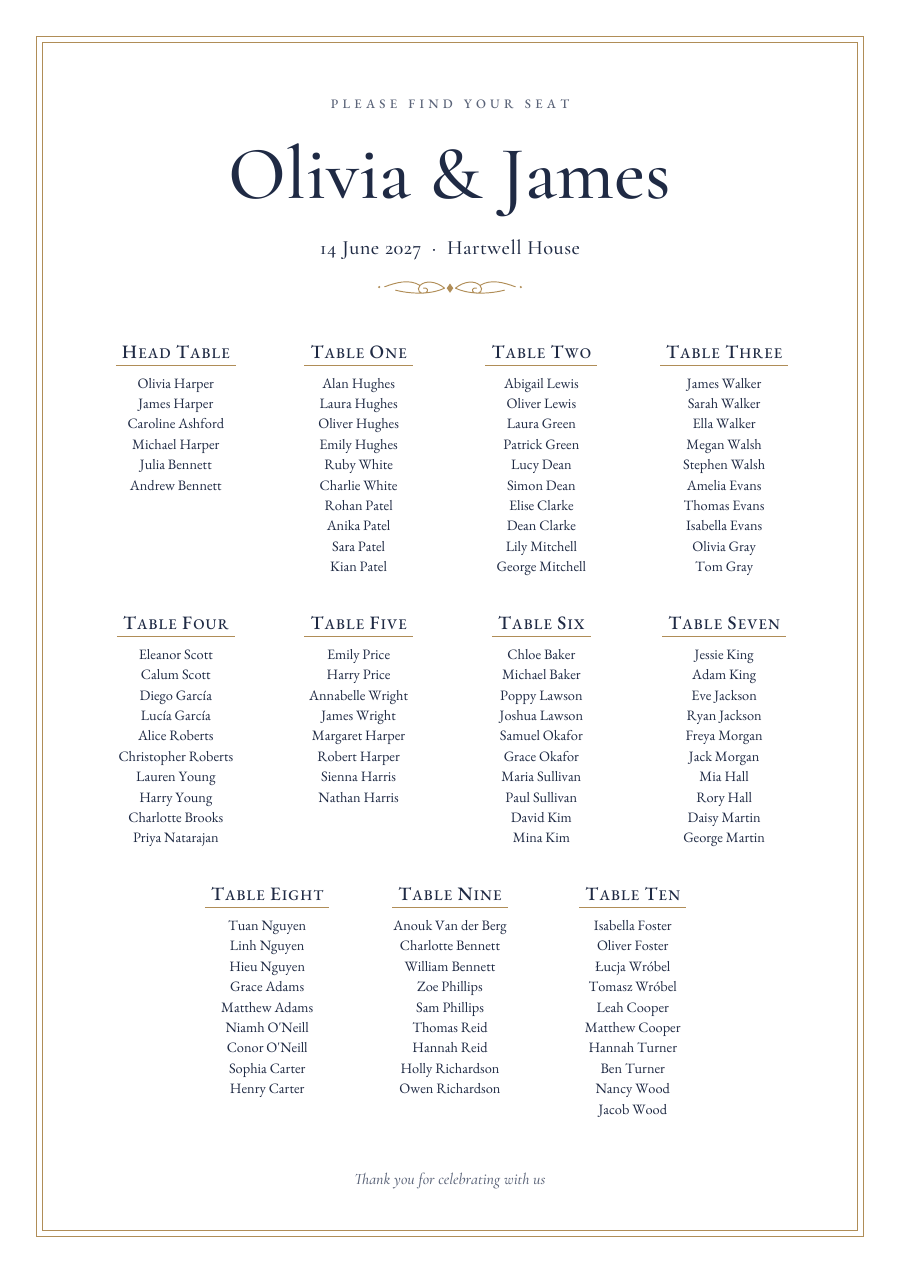
- Print-ready output. A seating chart poster, an alphabetical guest list, and (with Pro) escort, place and table cards with crop marks, plus a caterer sheet with meal counts per table.
How to make a seating chart in four steps
- Add guests. Paste your list (one household per line) or upload a CSV from Zola, The Knot, Joy, Minted or Google Sheets.
- Set up tables. Use Quick setup to add, say, twelve 10-seat rounds at once, then add the head table and dance floor.
- Seat everyone. Press Auto-arrange, then fine-tune by dragging guests between seats. Hover a seat to see who it is and what they're eating.
- Share and print. Send a view-only link to your venue coordinator, then download your seating chart PDF.
For the decisions behind the drag-and-drop (who sits where and why), read how to make a wedding seating chart and our seating etiquette guide.
Built for privacy
Your plan is stored in your own browser. If you share it, it's encrypted on your device first, and the key travels only inside the link, so our server holds data it cannot read. There's no account to create, and one button deletes everything.
Free, or Pro for one wedding
The seating chart maker is free for up to 75 guests, including auto-arrange, sharing and a Classic seating chart PDF. Pro is a one-time payment for unlimited guests, every card and theme, larger posters with no watermark, and editing with your partner. See pricing.
Updated November 29, 2026