
Smart auto-arrange
One click seats everyone. Couples and families stay together, “keep apart” rules are never broken, and friends from the same circle share a table.
Free wedding seating chart maker
Import your guest list, drag guests onto tables, and print a seating chart, place cards and escort cards that look like they came from a stationer.
No sign-up needed · Your guest list stays private
One click seats everyone. Couples and families stay together, “keep apart” rules are never broken, and friends from the same circle share a table.
Seating chart posters up to 24×36 in, alphabetical guest lists, escort, place and table cards with crop marks, and a caterer sheet with meal counts.
Send a view-only link to your planner, family or venue coordinator. With Pro, your partner gets their own edit link and changes sync.
How it works
Paste names or upload a CSV from Zola, The Knot, Joy or a spreadsheet. Households, meals and plus-ones come across.
Round, rectangular and long banquet tables, a head table, dance floor, stage, bar and cake table. Drag to match your venue.
Drag guests onto tables or seats, or auto-arrange. Conflicts are flagged in red, and every table shows its meal count.
Send the plan to your venue, then print the poster and cards at home or at a print shop. Every PDF is vector and print-ready.
Four print themes
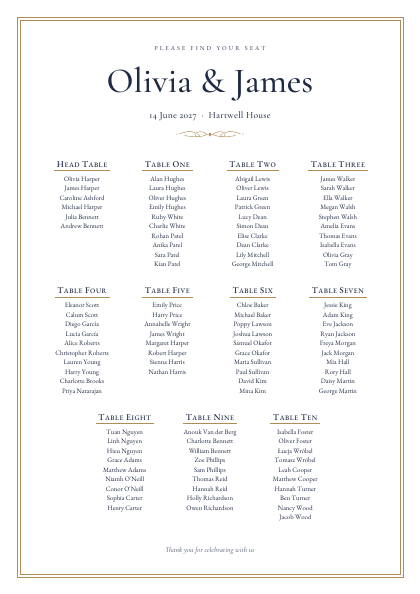
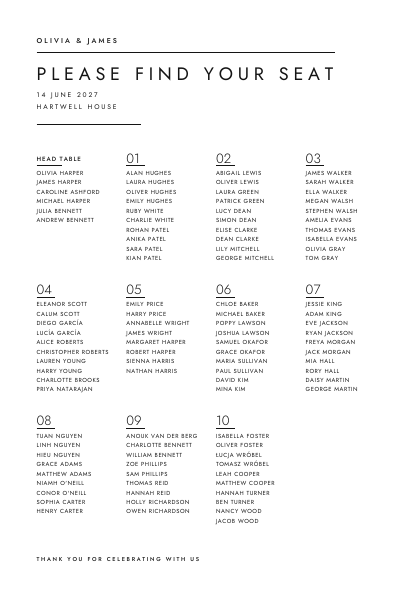
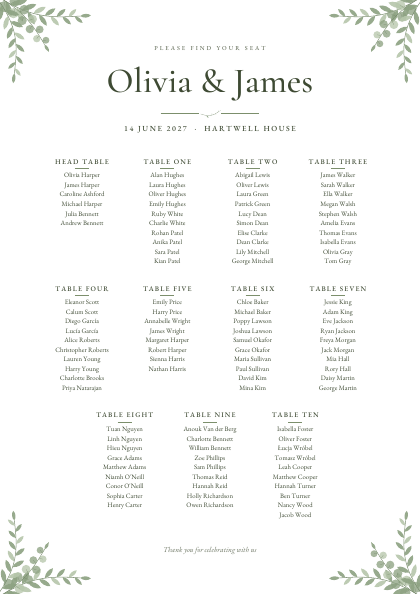
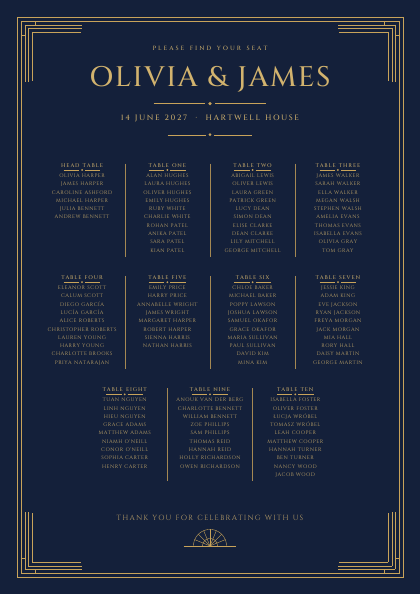
Typeset like real stationery: balanced columns, true small caps and fine rules, with names that never get cramped or cut off. Classic is free; Modern, Botanical and Gilded come with Pro.
Plans live in your browser. Sharing encrypts the plan on your device first, so our server only ever stores scrambled data it can't read. No account, no marketing emails, and you can delete everything with one click. Read the privacy policy.
One wedding, one price
Pro unlocks unlimited guests, place, escort and table cards, the caterer sheet, all four themes, posters up to 24×36 in with no watermark, and editing with your partner. No subscription.
Guides
A step-by-step plan, from the final RSVP count to the escort-card table, with a realistic timeline.
Who sits at the head table, where parents go, divorced families, plus-ones, kids and the singles table.
How many people fit at 60″ and 72″ rounds and banquet tables, and how much room to leave around them.
Yes. You can plan a wedding of up to 75 guests, use the drag-and-drop floor plan and auto-arrange, share a view-only link and print a Classic seating chart and an alphabetical guest list without paying. Pro is a one-time $29 for unlimited guests, every card and theme, and editing with your partner.
No. Your plan is saved in your browser as you work. When you want to share it or open it on another device, we create an encrypted copy and give you private links. There's no sign-up and no password.
Only you and the people you send a link to. Shared plans are encrypted in your browser before they're uploaded, and the key is part of the link (after the #), which browsers never send to our server. We store a scrambled file we can't read.
Yes. Export a CSV (or copy the rows) and paste or upload it. We recognise columns like first and last name, party or household, side, meal choice, dietary notes, plus-ones and RSVP. You can also paste names one household per line, like “Alan & Laura Hughes”.
A4, US Letter, A3 and 11×17 in for free; A2, 18×24 in and 24×36 in with Pro. Every file is a vector PDF, so names stay razor-sharp at any size, whether you print at home, at a copy shop or as a foam-board sign.
Yes. Households, couples and plus-ones always stay together, your “keep apart” and “seat together” rules are followed, and guests from the same group (college friends, work, the groom's family) are seated together where possible. Guests you've marked “keep at this table” never move.